Guide
How to use SSH on a Mac
macOS includes everything you need to use SSH out of the box. Here's how to connect from the terminal, set up keys and save connections — and when a native graphical client makes daily work easier.
Published July 16, 2026 · By Tugay Pala, Useroam Teknoloji
1. Connect from Terminal
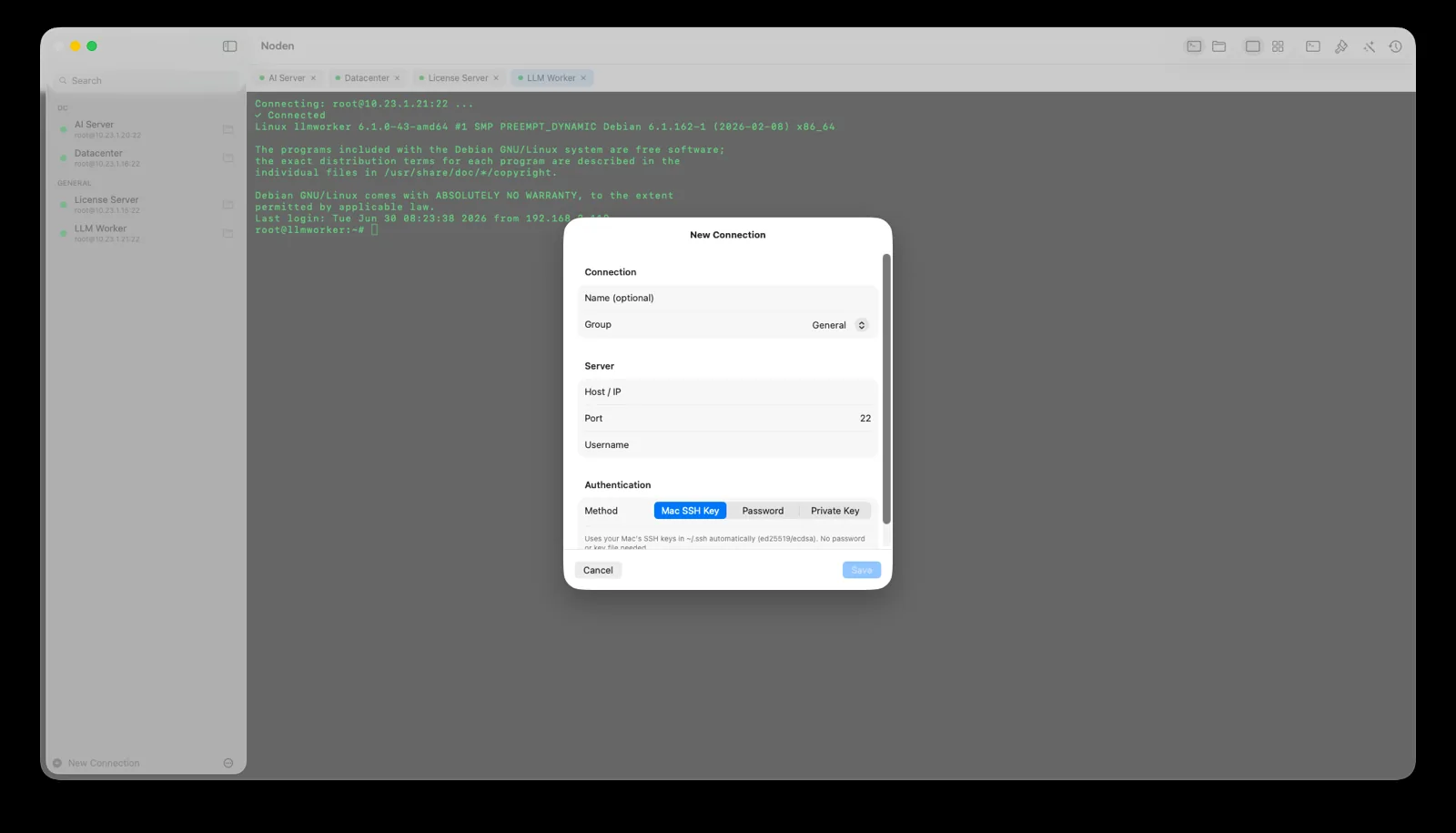
Open Terminal (Applications → Utilities) and run:
ssh username@server-addressFor example, ssh admin@example.com. Enter your password, or authenticate with a key (below). To use a non-default port, add -p 2222.
2. Generate an SSH key (recommended)
Keys are safer and more convenient than passwords:
ssh-keygen -t ed25519 -C "you@example.com"
ssh-copy-id username@server-address
Your keys live in ~/.ssh. The public key (.pub) goes on the server; the private key stays on your Mac.
3. Save servers in ~/.ssh/config
Instead of typing full addresses, define hosts once:
Host web01
  HostName 203.0.113.10
  User admin
  IdentityFile ~/.ssh/id_ed25519
Now just run ssh web01.
4. Transfer files with SFTP
From the terminal you can use sftp username@server-address or scp file username@server:/path. For a graphical two-panel experience, a native app is far more comfortable.
5. Make it easier with a native app
When you manage more than a couple of servers, a graphical client saves time. Noden is a native macOS SSH & SFTP client that imports your ~/.ssh/config and existing keys, shows a grid of live terminals, includes a dual-pane SFTP browser, and offers an optional AI assistant that suggests commands and asks before running them. Secrets are stored in the macOS Keychain.
brew install --cask useroamteknoloji/tap/nodenFrequently asked questions
Does macOS have an SSH client built in?
Yes. The ssh command is included in Terminal on every Mac. For a graphical experience with saved connections and file transfers, use an app like Noden.
Where are SSH keys stored on a Mac?
In the ~/.ssh folder in your home directory. Noden reads Ed25519 and ECDSA keys from there.
How do I save SSH connections on a Mac?
Add them to ~/.ssh/config, or use Noden to save and organize connections with a UI.
See also: How to use SFTP on Mac · Best SSH client for Mac · Mac SSH client guide · PuTTY for Mac